hwp on your phone —
it just opens.
Open the hwp and hwpx files you get by mail or chat with their original layout intact — then search the whole document, pull tables out and convert to PDF. It all happens on your phone.
A Korean document viewer that does more than view
Original layout, preserved
Tables, images and equations render as laid out in the source document, and text stays sharp at any zoom.
Search the whole document
Find every match across hundreds of pages at once and jump between results.
Tables to Excel or CSV
Pick a table out of the document and export it as XLSX, CSV or straight to the clipboard, with a choice of merged-cell handling.
PDF and image export
Convert on device with nothing uploaded, then share right away.
Outline and thumbnails
Move through a several-hundred-page document with an outline and a thumbnail grid.
Dark mode
The page itself goes dark, so long reads stay easy on the eyes at night.
See it in action

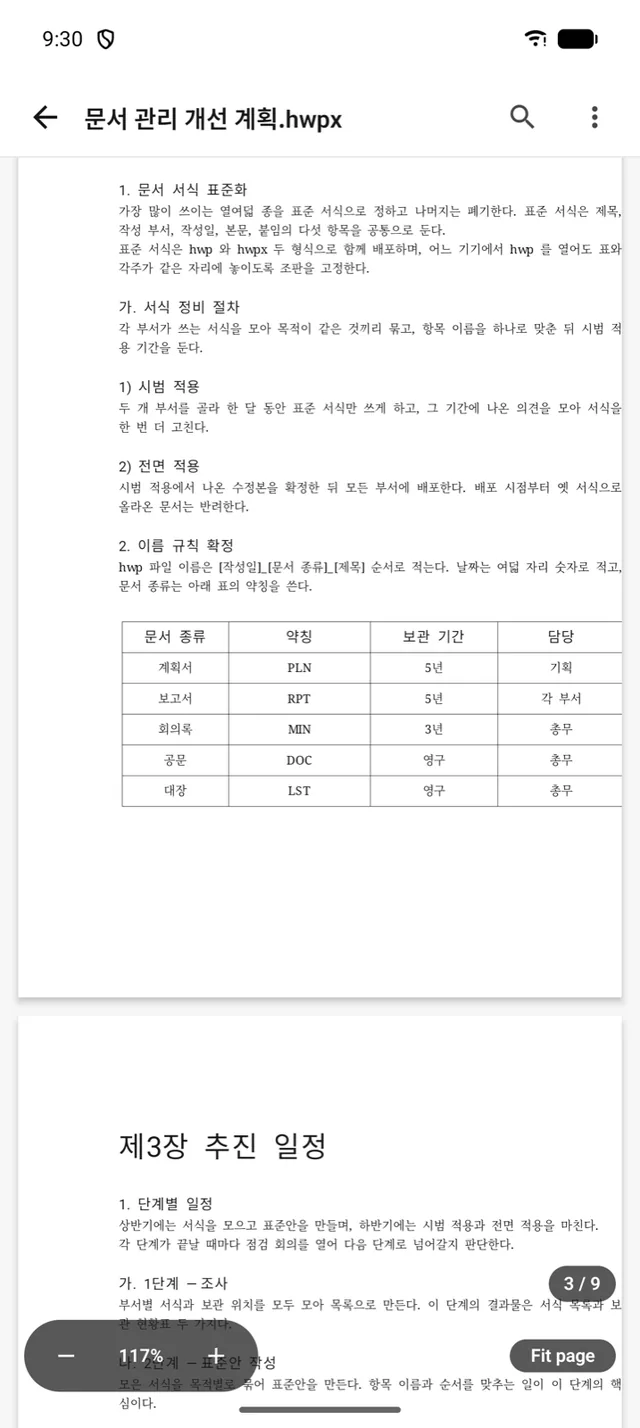
Opens as you received it
Open an hwp from mail or chat with its original layout.
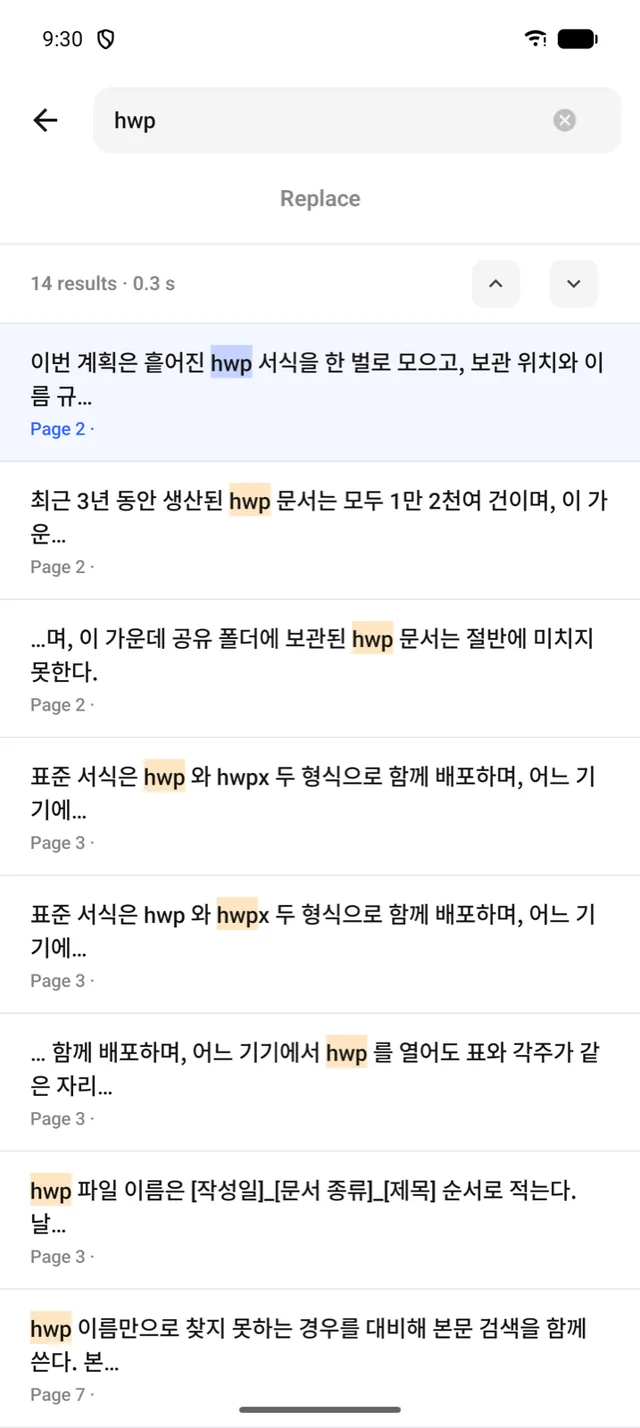
Find it across hundreds of pages
Find matches across the document and jump straight to them.
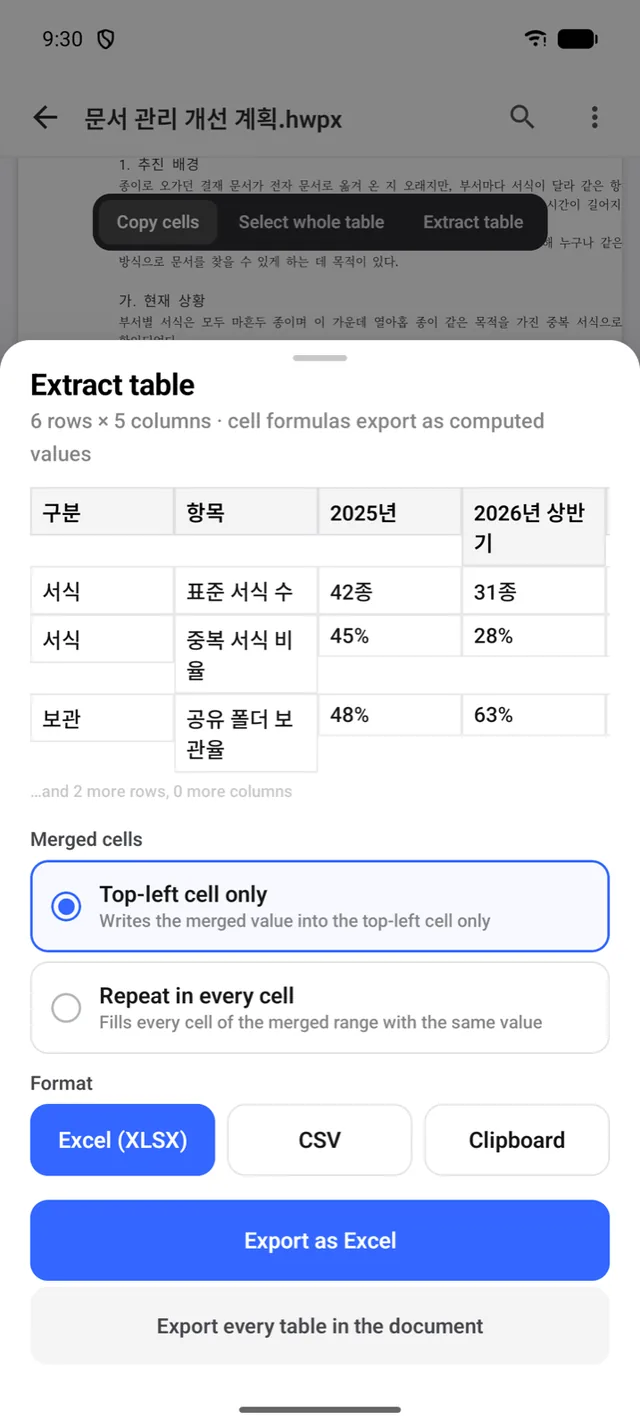
Lift a table straight into Excel
Pull a table out to Excel, CSV or the clipboard.
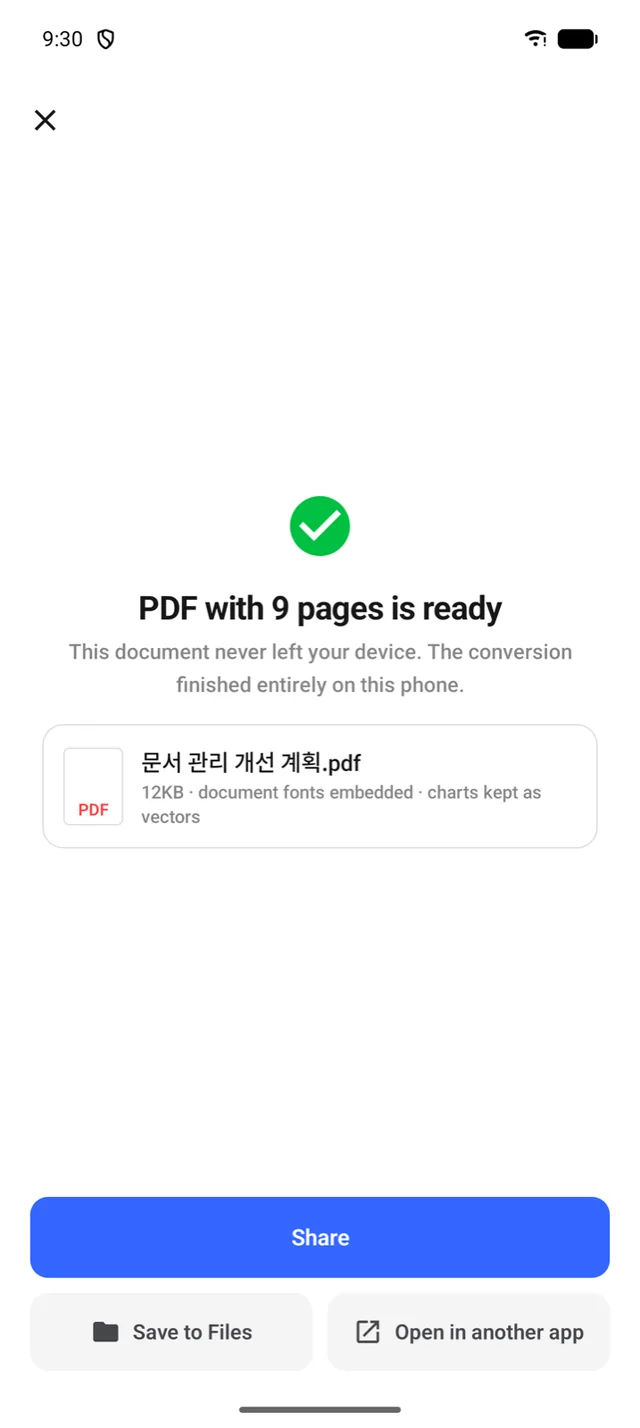
To PDF, no upload
Convert on device with no upload, then share.
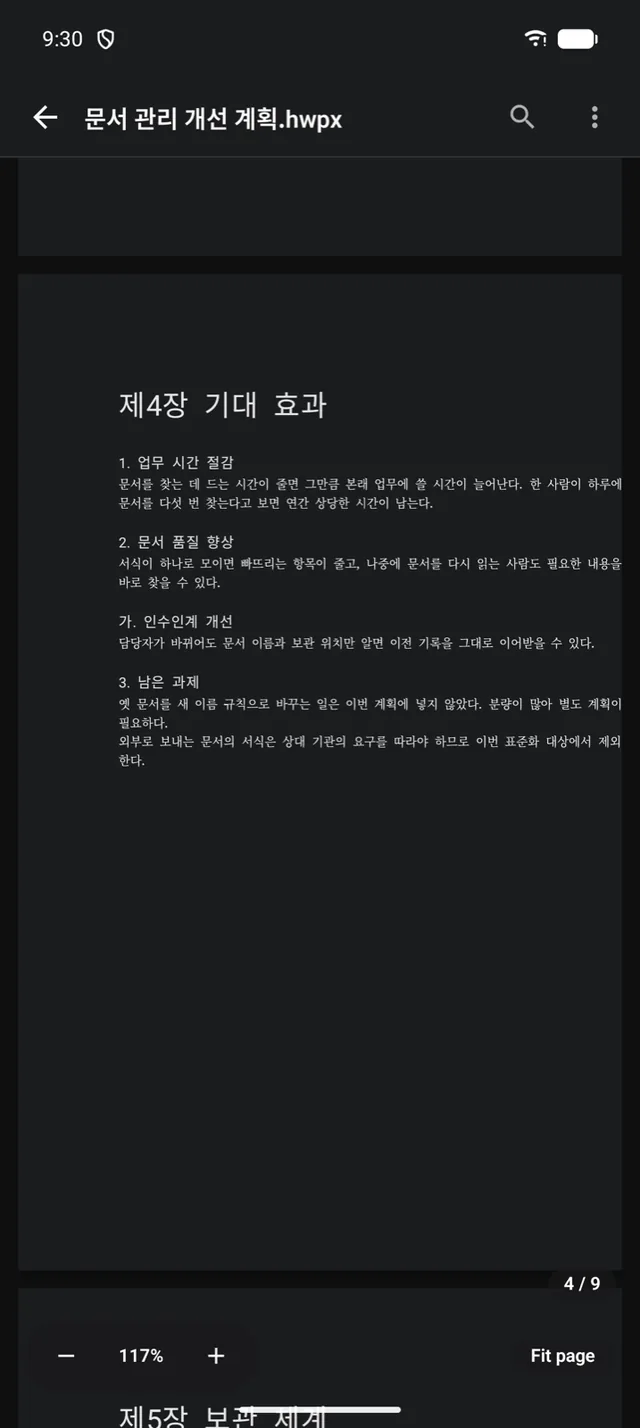
Even the paper goes dark
The page goes dark too — easier reading at night.
Frequently asked questions
Are my hwp files uploaded?
No. Viewing, search, table export and PDF conversion all run on your device — neither the document nor its file name leaves it.
Which formats are supported?
hwp 5.0 and hwpx. HML is supported for verified structures only, and password- or DRM-protected distribution documents cannot be opened.
Is this related to Hancom?
Not at all. Ongle is independent software with no affiliation with, sponsorship from or approval by Hancom Inc., and it uses none of their logos or branding.
Where do I send questions?
Email us at h1.soft.x001@gmail.com.