







01
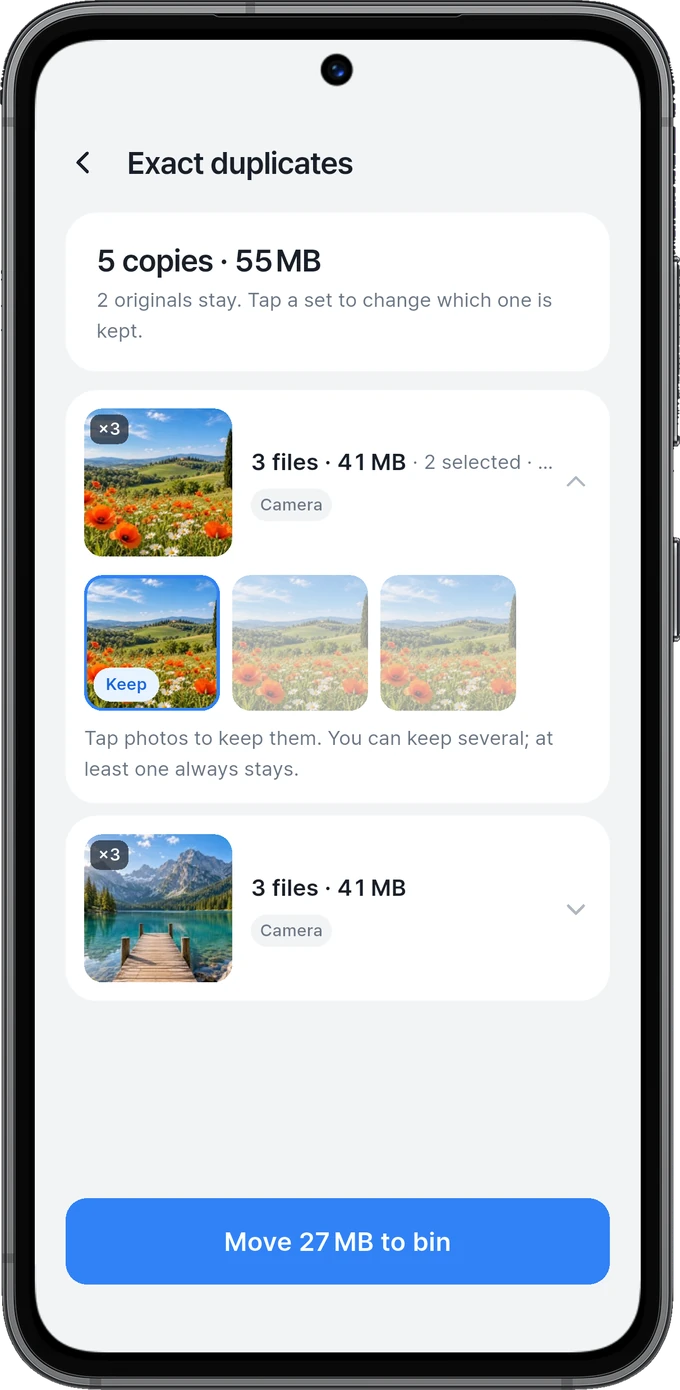
Clear the duplicates
Review photos together and choose what to keep.
H1SOFT · EVERYDAY TOOLS
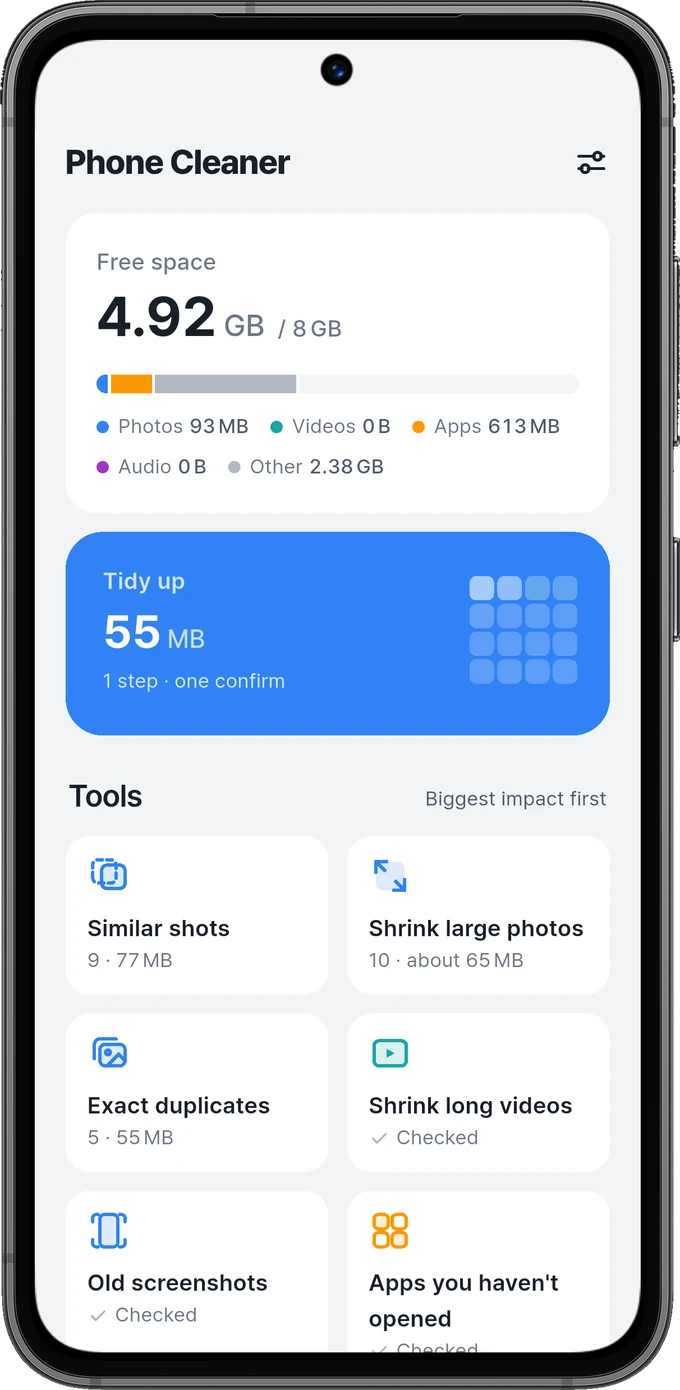
 Phone Cleaner
Piles of photos. Videos taking up space.
Keep what matters. Clear only what you choose.
Download for iOS 16+ on the App Store and for Android on Google Play. The app and file cleanup features shown here are for Android.
A CLOSER LOOK
From choosing what to keep to restoring a photo.
Review photos together and choose what to keep.
Compare with the original to choose the quality.
See estimated savings as you select photos.
Review photos and large files in one place.
Restore photos before their time in the bin ends.
A FEW THINGS TO KNOW
No. Phone Cleaner finds items you can review, then you choose what to clear. Android asks for confirmation before moving items to the bin. The confirmation flow can differ if you have explicitly enabled quick-cleanup permission.
Resolution and compression depend on your chosen settings. Compare the preview with the original and review estimated savings before applying. Take time to compare photos that matter to you.
You can restore photos during the 30-day retention period. They cannot be restored after you empty the bin or the retention period expires.
Archiving frees the space used by an app while keeping its data. Reinstall it later to pick up where you left off. Availability depends on your device, Android version and the app.
Download for iOS 16+ on the App Store and for Android on Google Play. The app and file cleanup features shown here are for Android.
A little tidying for your phone. Phone Cleaner.
Explore the screens again App Store · ₩0